Invoicing Tools: Optimize Your Workflow with Six Key Tools
Enhance your invoicing process with essential tools.
Discover six essential tools to optimize your invoicing workflow and improve efficiency in your business operations.
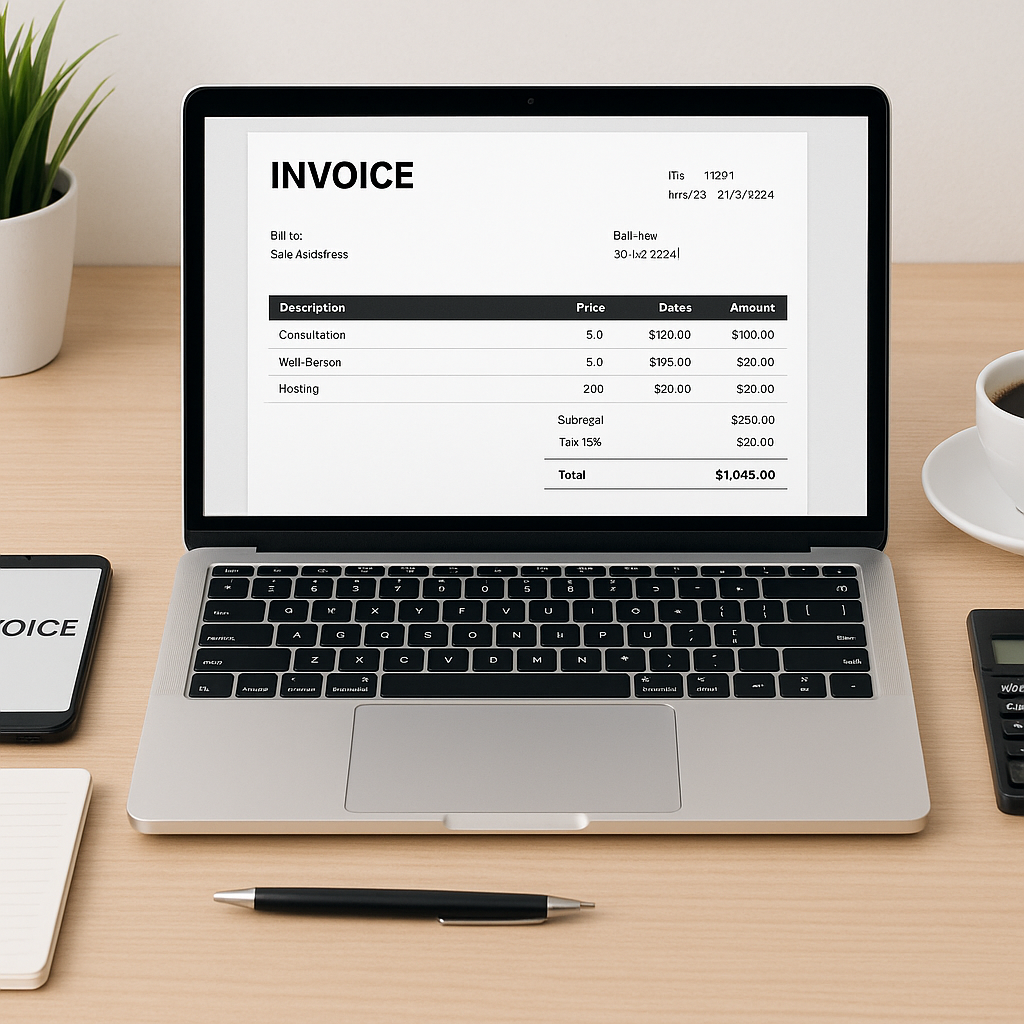
Optimizing your invoicing process is crucial for maintaining efficient business operations. While the invoicing tool itself is important, the tools surrounding it can significantly enhance your workflow. Here, we explore six essential tools that complement your invoicing software, ensuring a seamless and efficient process.
What Are the Key Tools to Enhance Invoicing?
To optimize your invoicing workflow, consider integrating tools that streamline communication, data management, and financial tracking. These tools work in tandem with your invoicing software to improve overall efficiency.
1. Customer Relationship Management (CRM) Software
CRM software helps manage customer interactions and data, providing valuable insights that can enhance your invoicing process. By integrating CRM with your invoicing tool, you can automate client information updates and streamline communication.
2. Accounting Software
Integrating accounting software with your invoicing tool ensures accurate financial tracking and reporting. This integration allows for seamless data transfer, reducing errors and saving time on manual data entry.
3. Payment Processing Solutions
Payment processing solutions facilitate quick and secure transactions. By linking these solutions with your invoicing tool, you can offer clients multiple payment options, improving cash flow and customer satisfaction.
{{IMAGE_1}}4. Project Management Tools
Project management tools help track project progress and expenses, ensuring accurate invoicing. By integrating these tools, you can automatically update project details and costs, reducing discrepancies in billing.
5. Time Tracking Software
Time tracking software is essential for businesses that bill by the hour. Integrating this tool with your invoicing software ensures accurate billing and provides clients with detailed time logs.
6. Document Management Systems
Document management systems organize and store important documents, making it easy to access invoices and related files. This integration enhances efficiency by reducing the time spent searching for documents.
FAQ
Why is CRM software important for invoicing?
CRM software centralizes customer data, streamlining communication and ensuring accurate client information in invoices.
How does accounting software improve invoicing?
Accounting software automates financial tracking and reporting, reducing errors and saving time on manual data entry.
What benefits do payment processing solutions offer?
They provide secure, quick transactions and multiple payment options, improving cash flow and customer satisfaction.
How do project management tools aid invoicing?
They track project progress and expenses, ensuring accurate billing by automatically updating project details and costs.
Why integrate time tracking software with invoicing?
It ensures accurate billing for businesses that charge by the hour, providing clients with detailed time logs.
What role do document management systems play in invoicing?
They organize and store important documents, reducing the time spent searching for invoices and related files.
Discussion
Loading responses…